Security at Whirla
Certificate
Cloud Infrastructure
Whirla runs on secure cloud infrastructure hosted on DigitalOcean.
Our systems operate in isolated environments with controlled access, network protection, and continuous monitoring to ensure stable and secure operations. Production environments are separated from development and testing to safeguard live customer data and support controlled deployments
Edge Security & Network Protection
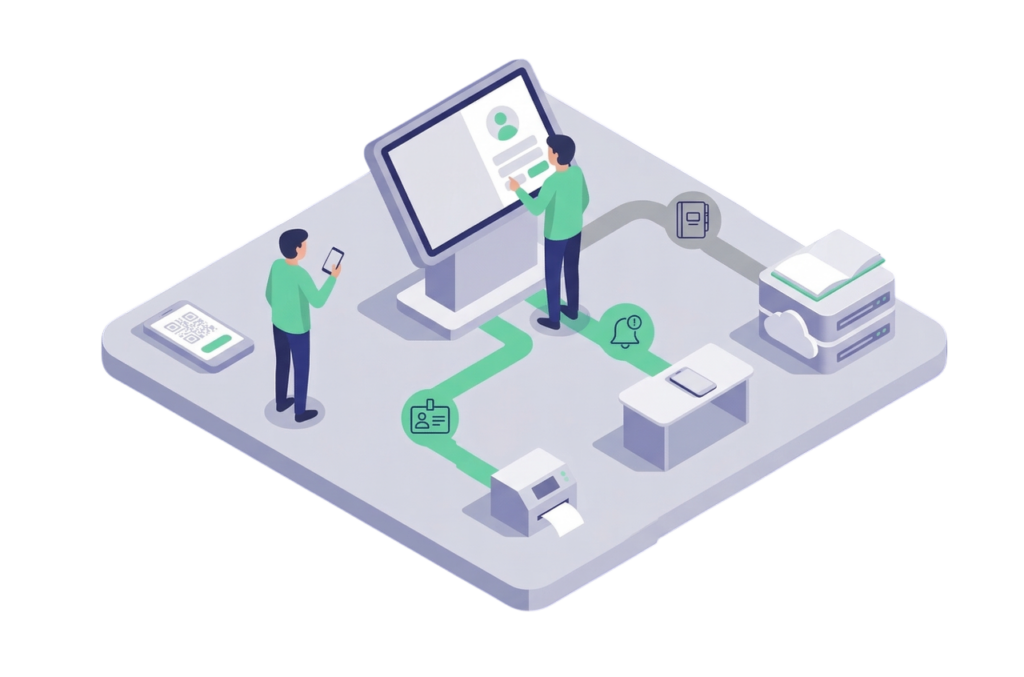
All inbound traffic is routed through Cloudflare, providing:
- SSL/TLS encryption (TLS 1.2+)
- Web Application Firewall (WAF)
- DDoS protection
- Secure DNS and traffic filtering
This ensures that only validated and protected traffic reaches Whirla services.

Data Protection
Whirla protects data across its web and mobile applications using layered security controls.
- Encryption in transit – all communication is secured using SSL/TLS protocols (TLS 1.2 or higher).
- Encryption at rest – stored data, including databases and backups, is encrypted using industry-standard mechanisms.
- Secure authentication – token-based authentication and role-based access ensure users access only authorized information.
- Protected APIs and sessions – requests are authenticated, validated, and monitored.
These measures ensure confidentiality, integrity, and availability of customer data.
Access Control
System access is restricted to authorized personnel and granted strictly on a least-privilege basis.
We enforce:
- Role-based permissions
- Strong authentication for administrative access
- Logged and auditable operational activity
- Periodic access reviews
Identity & Authentication Integrations
Whirla integrates with enterprise identity providers to support secure, centralized authentication.
We support Single Sign-On (SSO) using SAML 2.0 and modern identity frameworks, including:
- Microsoft Entra ID (Azure AD)
- Okta
- Google Workspace
- Other SAML 2.0–compatible providers
You data is always secure
Data Processed During Authentication
When SSO is enabled, Whirla receives only the identity attributes required to establish a user session, typically:
- Name and surname
- Corporate email address
- Group membership (if configured)
Authentication credentials (such as passwords) remain managed by the customer’s Identity Provider and are not stored by Whirla.
Meeting Room System Integrations
Whirla integrates with enterprise calendar platforms to manage meeting rooms through dedicated resource calendars.
Supported platforms include:
- Microsoft 365 / Outlook
- Google Workspace
- Zimbra
This enables real-time room availability and synchronized booking workflows.
To provide scheduling functionality, Whirla processes only resource-related information such as:
- Meeting room names and identifiers
- Availability time slots
- Booking metadata (title, time range, organizer reference)
- Reservation status updates
- Attendees
Notifications & Communication Services
Whirla uses trusted service providers for:
- Transactional email delivery (e.g., system notifications)
- Mobile push notifications
Only the data required to deliver the notification is processed.
Proactive security measures
We continuously monitor system health and security events to detect anomalies and respond quickly to potential risks. Defined incident response procedures enable us to investigate and contain issues effectively, restore services efficiently, and continuously improve our operational safeguards to strengthen overall system resilience.