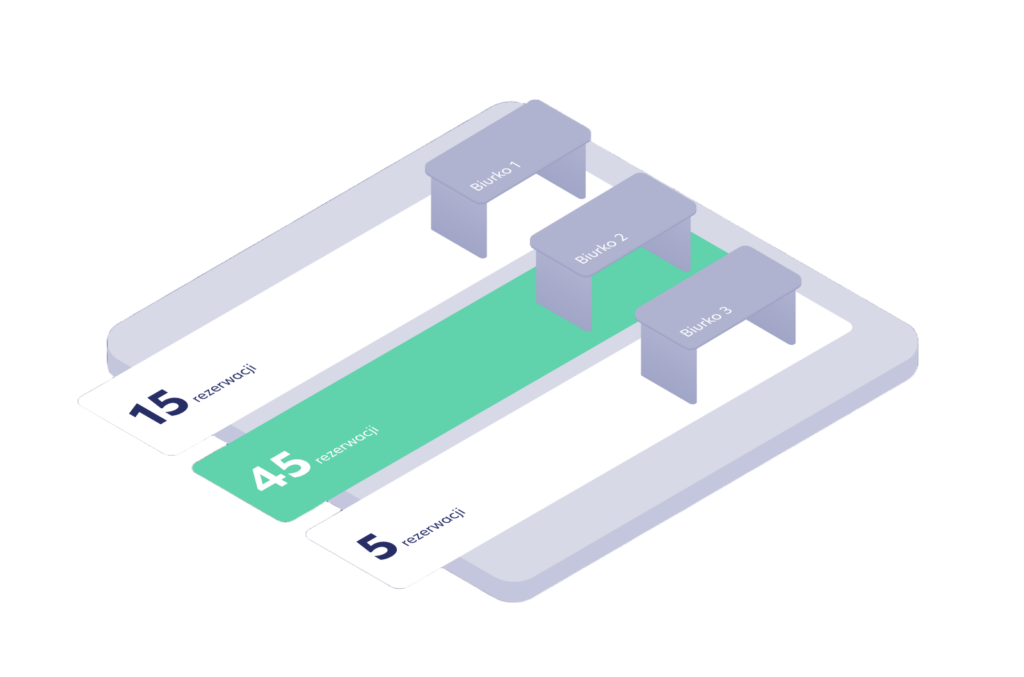
Whirla’s Dynamic Workspace Allocation helps organize office space around team presence, planned events, and the way people actually work.
Employees declare when they plan to work from the office, teams schedule shared workdays, and the system supports the allocation of the right desks and zones in line with the rhythm of a hybrid workplace.
What is Dynamic Workspace Allocation?
Dynamic Workspace Allocation is a Whirla module that helps organizations manage hybrid offices around teams, attendance, and events.
In a traditional model, users choose an available desk on their own. Dynamic Workspace Allocation takes a broader work context into account, including team presence, planned events, user groups, available zones, and workspace requirements.
Based on this information, the system helps assign the right places and organize the office in a more structured way.
As a result, the office is no longer just a map of available desks. It becomes a workplace environment aligned with the organization’s rhythm and the way teams collaborate.
The evolution of the office
Hybrid work has changed how people use the office.
Today, employees come to the office not only to find a place to work, but also to collaborate, meet with their teams, and work together on projects.
That is why the question “Is there a free desk?” is often no longer enough. What matters more is organizing team presence and office space around the way work actually happens.
Dynamic Workspace Allocation helps prepare the office for this new reality of work — without the need for daily manual space planning, and in line with the rhythm of team collaboration.
How does Dynamic Workspace Allocation work?
1. The organization defines how the office operates
Whirla enables organizations to create zones, events, user groups, and space allocation rules. This allows the system to adapt allocation to the way a specific organization works.
2. Teams plan shared workdays
Team managers can plan shared workdays and recurring events. The system takes them into account during allocation, so the same setup does not have to be recreated every day.
3. Employees declare their office presence
Users indicate when they plan to work from the office. They do not have to search for a desk every day or go through the full booking process. Declaring presence becomes the basis for allocating the right workspace.
4. The algorithm allocates space around teams
Based on attendance, team preferences, events, and available space, Whirla helps organize how the office is used. This makes it easier for teams to sit closer together and helps prepare the office layout for shared workdays and events.
What does it change for employees?
Using the office becomes simpler.
Employees no longer need to analyze the office map, look for their team, or choose a workstation without context. They declare their presence, and the system allocates a place based on their group, event, and work needs.
What does it change for team managers?
Managers can plan their team’s office presence more effectively.
Team events and recurring office days help create a rhythm of collaboration, while the system supports the preparation of the right space for current attendance levels and team needs.
What does it change for office operations?
Dynamic Workspace Allocation helps bring more structure to the everyday operation of a hybrid office.
The system can take recurring events, zones, groups, and workstation requirements into account. As a result, the office can operate more predictably, even when attendance changes from day to day.
Why it matters
Simpler office experience
Employees declare their presence, and the system allocates the right workspace.
Better planning of team days
Managers can plan shared workdays and recurring events, which the system takes into account when organizing space. Users receive information about planned events and how their office day is arranged.
Greater attendance visibility
The organization can see who plans to work from the office, which groups will be present, and what kind of space will be needed.
Space aligned with the way people work
The system can take zones and workstation attributes into account to better match space with different types of work.
Less manual coordination
Reducing manual desk assignment and daily space reorganization helps save operational time.
Flexible adaptation to organizational changes
When new people join a team or group structures change, the system reflects these changes in workspace allocation.