ContactBook a demo

Build your smart office
with Whirla

Whirla’s modular structure allows you to adapt the platform to your organization’s needs.
Fast and easy implementation
Tailored to your office needs
Professional support

What Whirla offers

One platform,
many possibilities.
Whirla’s modular structure allows you to adapt the platform to your organization’s needs.

Dynamic Workspace Allocation

Office space that adapts to team workflows.

Learn more

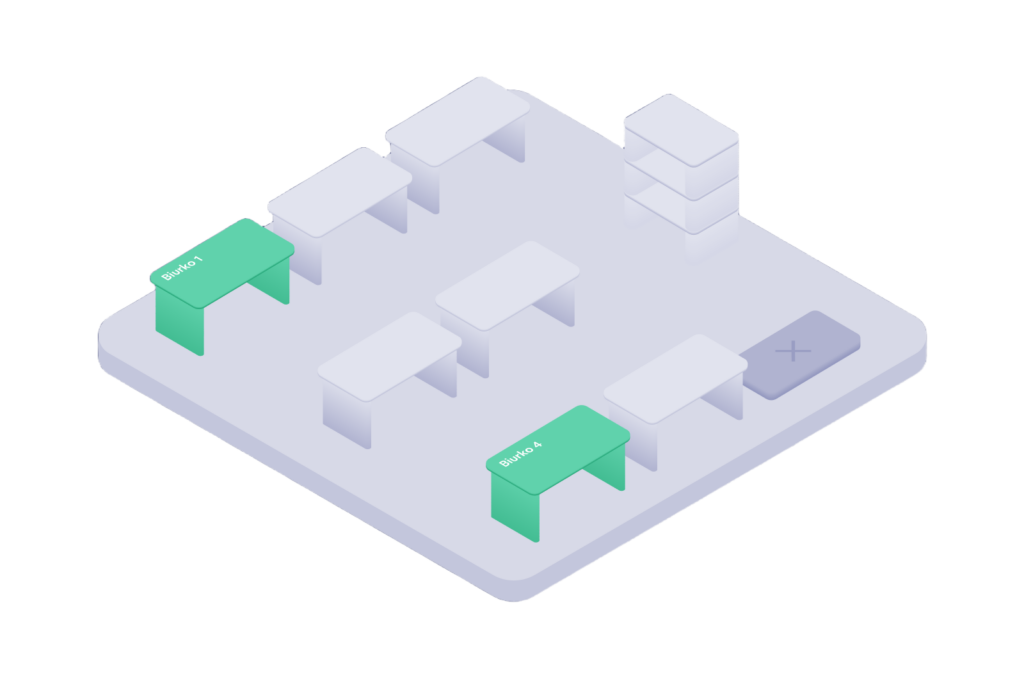
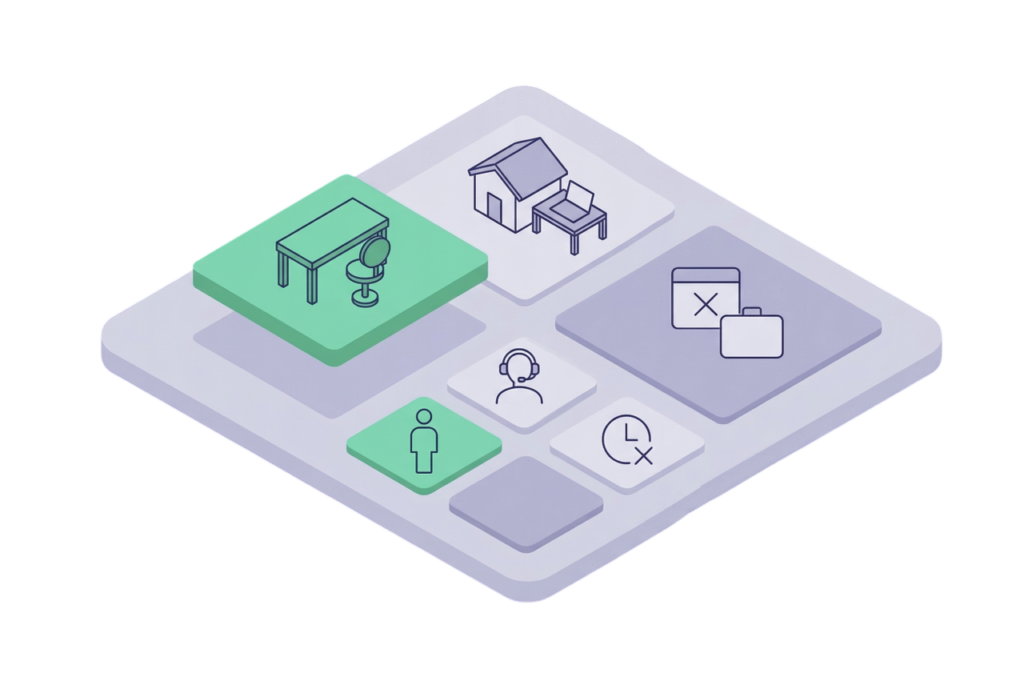
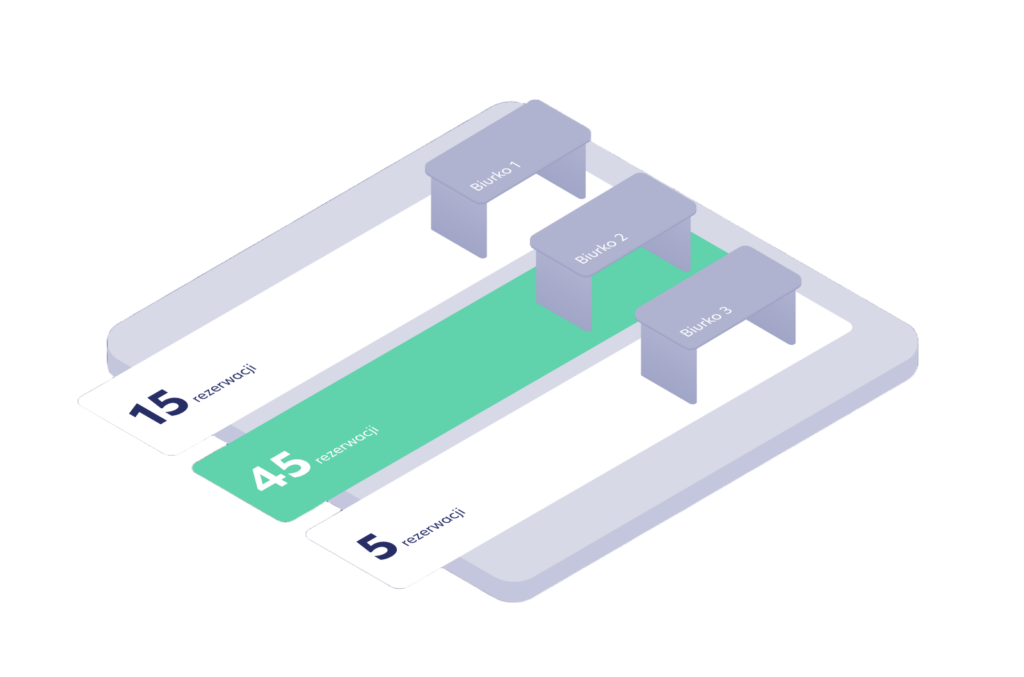
Desk Booking

Easy workstation booking for employees, with real-time availability and occupancy insights for office managers.

Learn more

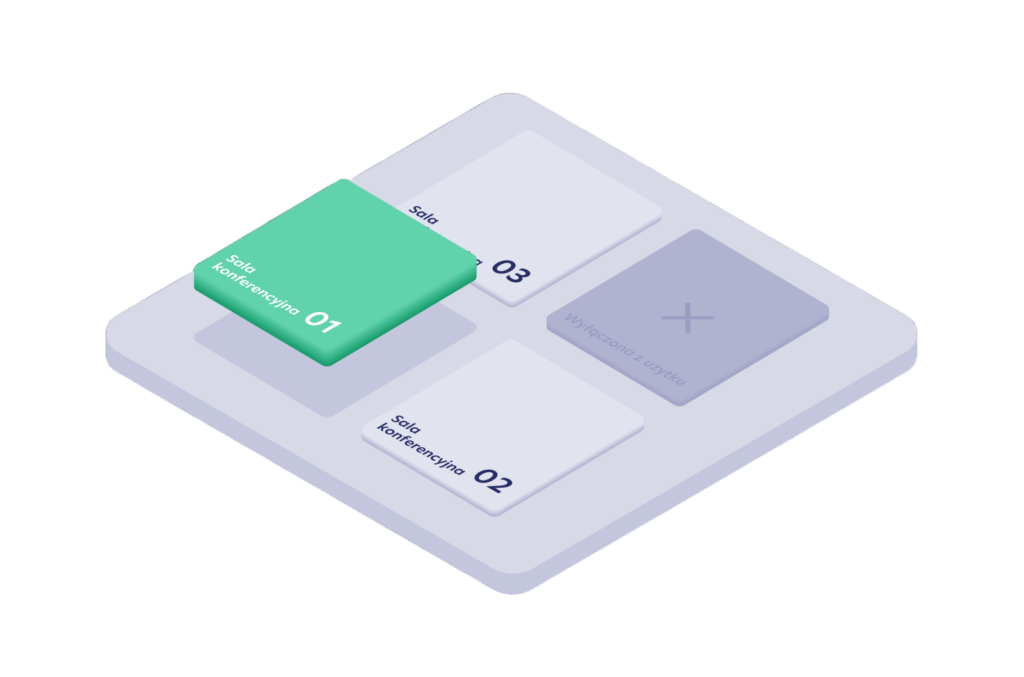
Conference Room Reservations

Book meeting rooms, check availability, and reserve the resources you need — all in one place.

Learn more

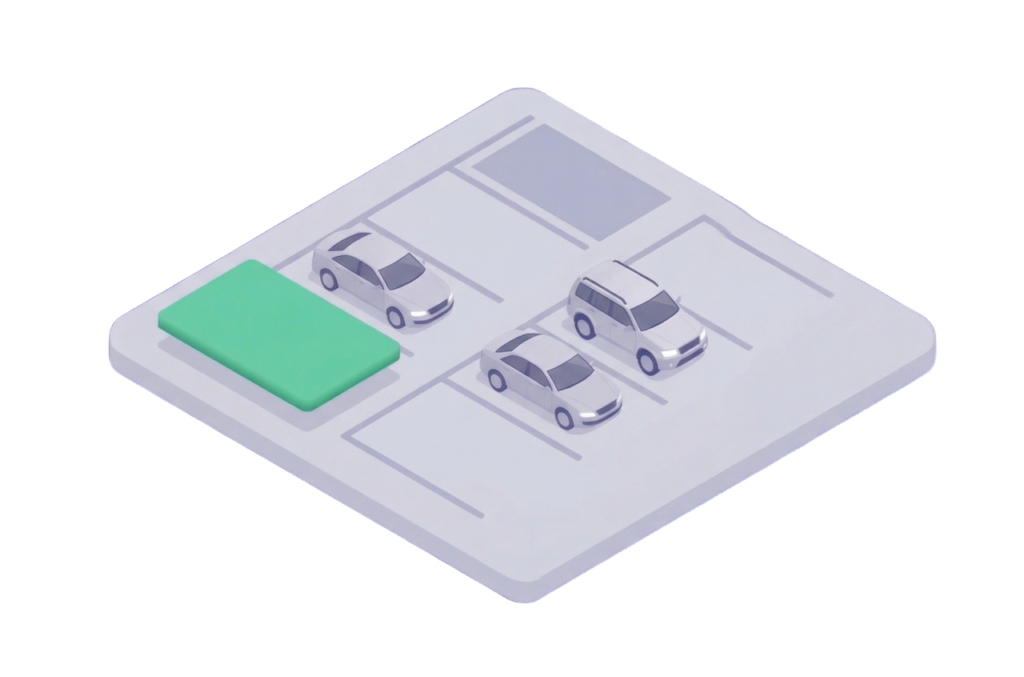
Parking Reservations

Allows employees to book parking spaces, manage the available pool of spaces, and make parking easier with real-time availability.

Learn more

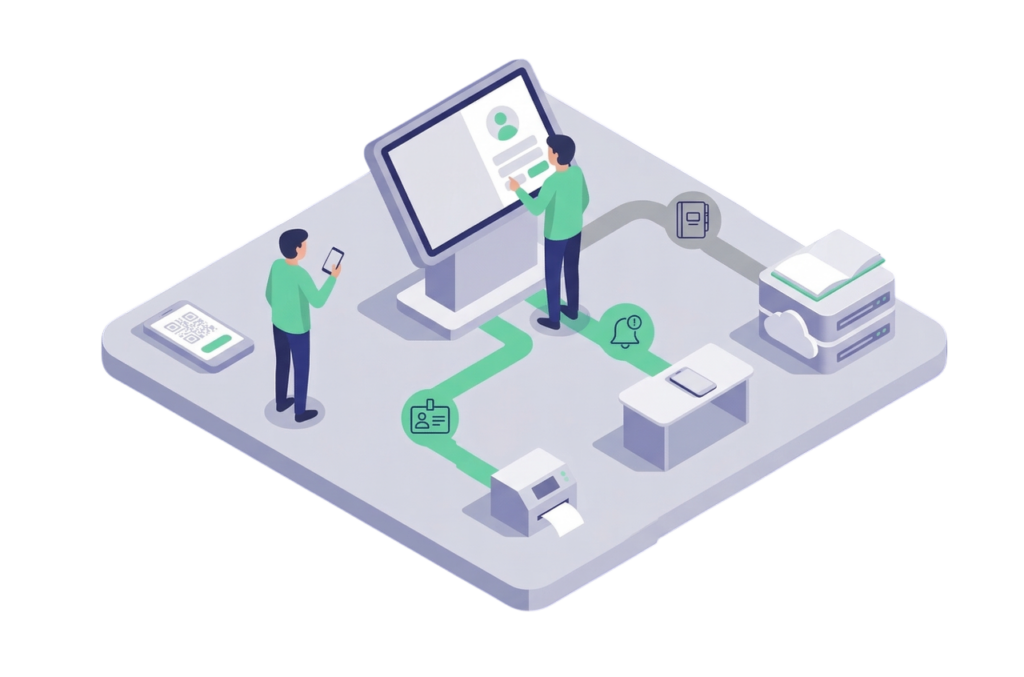
Virtual Reception

Digitizes visitor management — including invitations, check-in, badges, and host notifications — while maintaining a secure visitor register.

Learn more

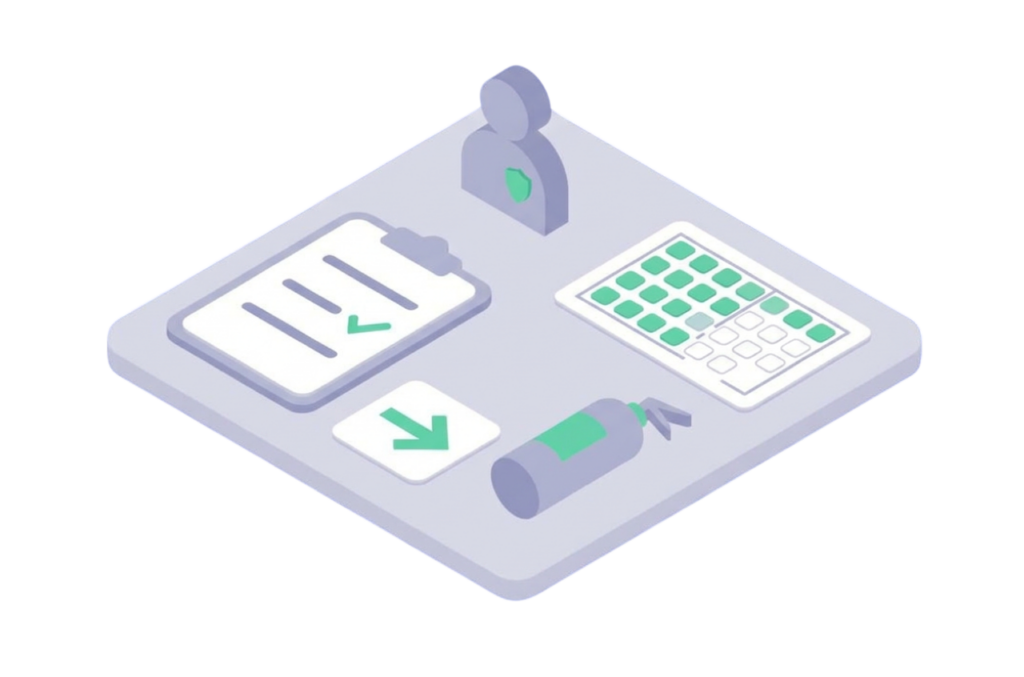
Fire Warden Module

Supports fire safety coordination by assigning roles, managing checklists, and streamlining communication and reporting.

Learn more

Hybrid Work Statuses

Allows employees to indicate whether they are working from the oWice or remotely, helping teams plan presence and collaboration.

Learn more

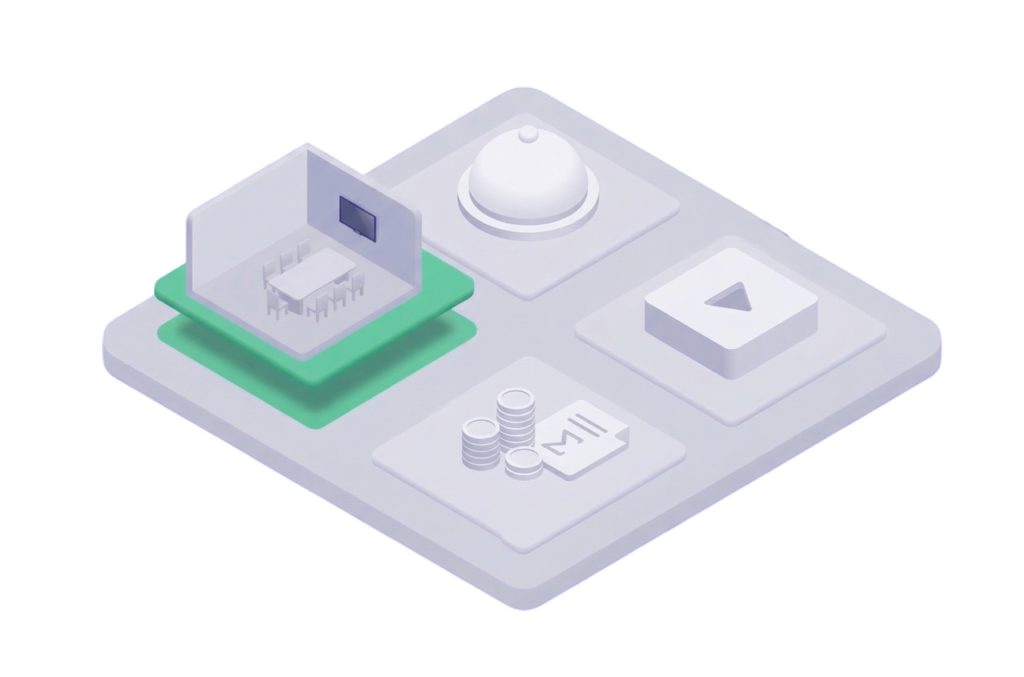
Conference Centre

Provides comprehensive support for meetings and events — including bookings, resources, room layouts, catering/AV, coordination, and communication — for multiple companies and users at the same time, with flexible billing across different budgets

Learn more

Submit your idea

Custom modules

We create additional modules tailored to your organization’s processes. Tell us what you need — we’ll explore the possibilities.
Office planner

How Whirla works

Mobile app

A mobile app that gives employees quick and easy access to Whirla.

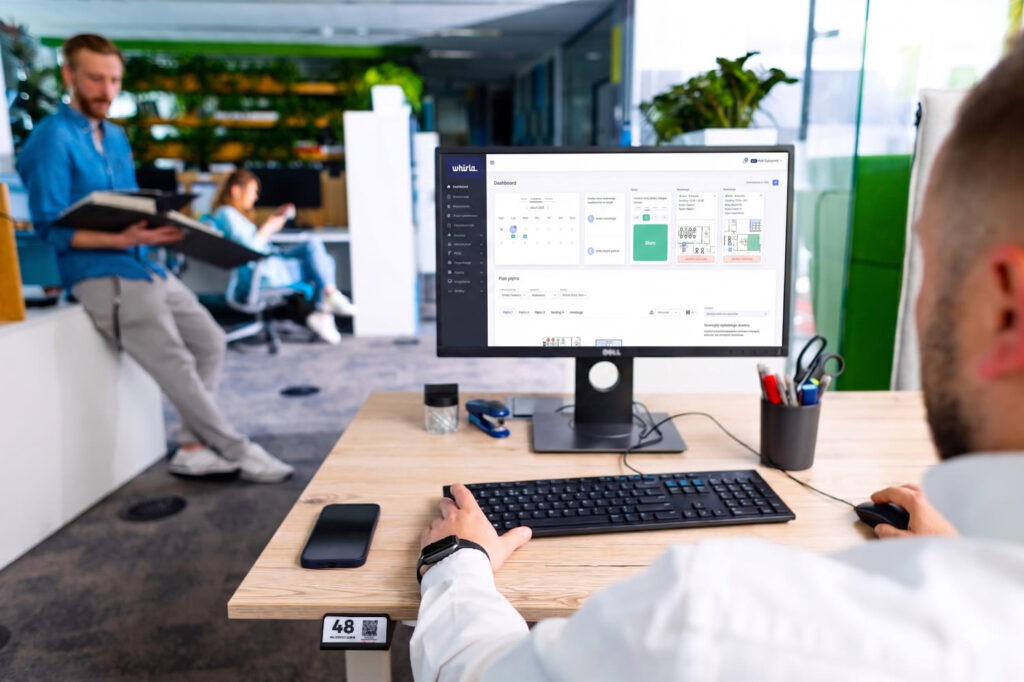
Web Panel

The web panel gives oWice managers and administrators full control over the system. From one place, they can manage users, modules, bookings, resource availability, and oWice settings.
Hardware

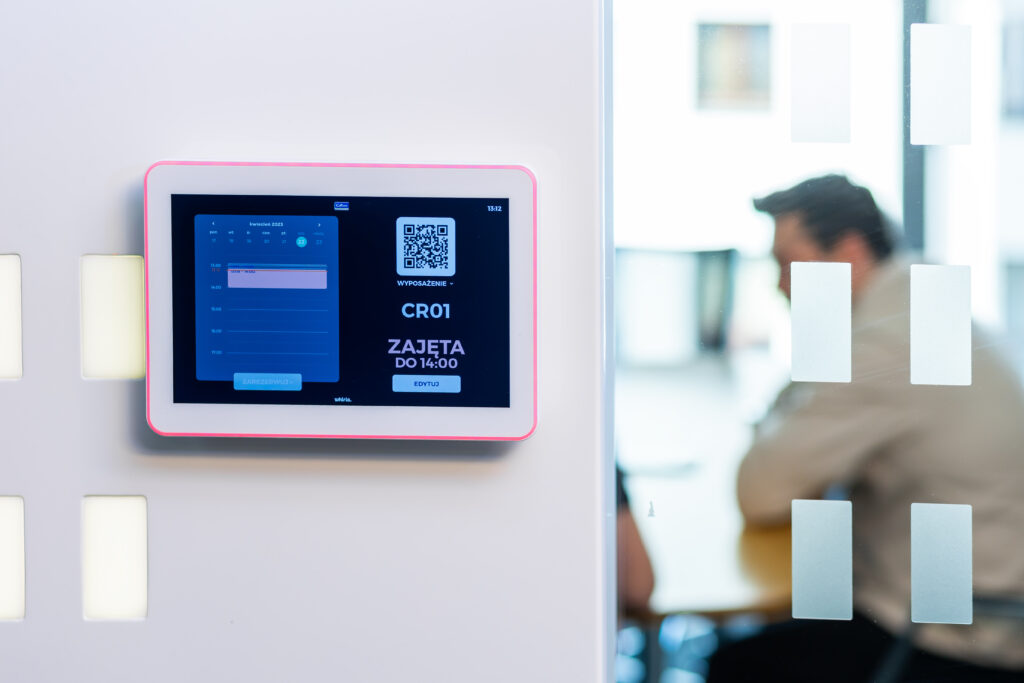
Dedicated devices for a modern oWice

Extend Whirla platform with room displays, visitor check-in tablets and sensors that help you better understand how your oWice space is used.

How does Whirla work in practice?

Colliers

A comprehensive implementation for a hybrid office, covering dynamic allocation for distributed teams, as well as conference rooms, desks, and parking bookings.

Scope

Dynamic allocation, conference room booking, desk booking, and parking reservations

Schenker

Implementation of a booking system for an office transitioning to a hybrid work model.

Scope

Hybrid work statuses, desk booking, and parking reservations

Electrolux

Preparing the office organization for hybrid work while supporting safety and booking processes.

Scope

Fire Safety Coordinator Module, desk booking, and parking reservations

Macmillan

Optimization of a new oWice operating in a hybrid work model.

Scope

Desk booking and parking reservations

Servier

Implementation of a parking reservation system for employees.

Scope

Parking reservations

Q22

Management of a conference center for building tenants.

Scope

Conference center and meeting room booking

Senator / Orlen

Comprehensive parking management implementation, integrated with the building’s parking system.

Scope

Building parking system integration and parking reservations

How can I implement Whirla
in my organization?

We guide you through the entire Whirla implementation process — from system configuration to preparing your teams to use the platform. You can get started in just a few days, with a ready-to-uuse environment tailored to the way your organization works.
As part of the implementation, we provide:

  • a prepared office map

  • configured integrations

  • roles and access settings

  • training materials for administrators

  • employee training

Manage your office smarter with Whirla
Launch a system tailored to your organization’s needs

Starting from €249 per month
Book a meeting

Frequently asked questions

A booking system allows employees to quickly reserve a workspace through a mobile app or web panel. Users can see available spaces on the office map and choose a date, desk, room, or parking space, while administrators can define booking rules, zones, limits, and access for specific teams.
One system allows employees to plan their entire office day without switching between different tools. They can book a desk, reserve a conference room, and check parking availability in the same app, while the company gains better control over resources and office space usage.
Visitor registration allows guests to be announced in advance, check in quickly upon arrival, and automatically notify the host when they arrive. Whirla can support badges, QR codes, required consents, and a digital visitor register.
Hybrid work is easier to organize with one system that allows teams to plan office presence, book desks, meeting rooms and parking spaces, and check resource availability in real time.
Office space management becomes easier when all resources are visible in one place. Whirla shows the usage of desks, meeting rooms, parking spaces, and shared areas, helping companies plan their office layout and respond faster to team needs.
Whirla integrates with SSO systems such as Microsoft Entra ID, Okta, and SAML, allowing users to sign in with their company account. The system can also work with Microsoft 365, Google Workspace, and Google Calendar to synchronize resource availability and bookings.