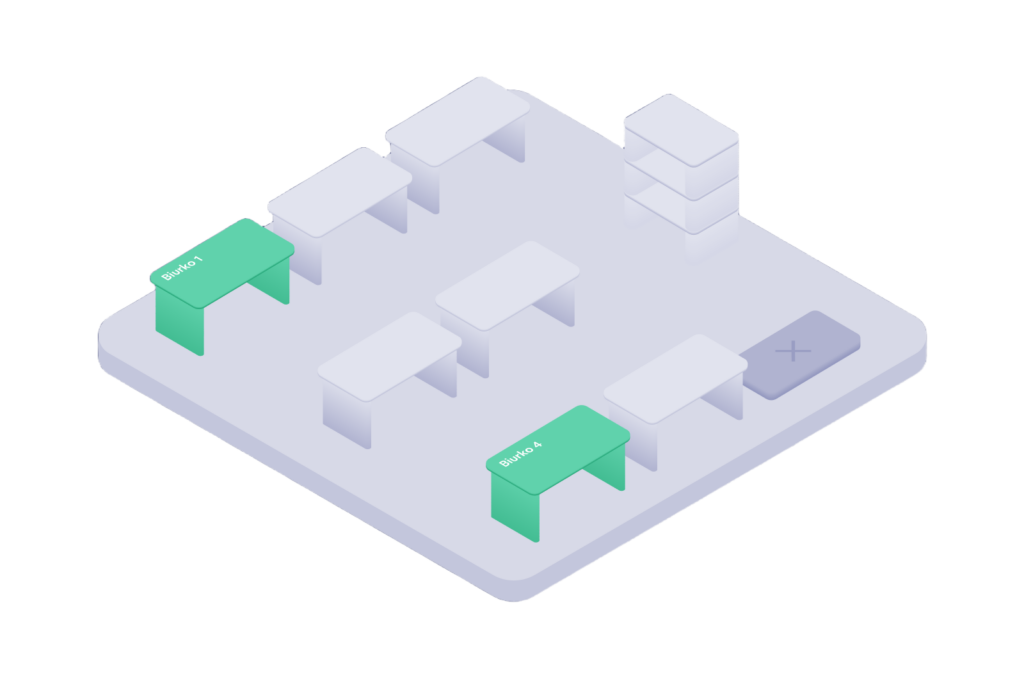
The Desk Booking Module helps companies manage workspace availability and allows employees to book specific desks in the office — from the mobile app or web panel.
Users can see real-time desk availability and make bookings based on the rules and configuration set by office administrators.
Workspace booking
Booking a desk is simple and predictable. A single booking flow allows users to reserve a workspace quickly.
The system supports:
- hourly and full-day bookings,
- recurring bookings, such as fixed office days,
- group bookings for teams,
- instant changes, edits, and cancellations.
Employees can plan their office presence without involving other people or using additional tools.
The system supports desk sharing and hot desking, where workstations are not permanently assigned to individual employees.
Interactive office map
Instead of choosing from a list of desks, users work with a visual representation of the actual office layout.
The module supports:
- visual maps of offices and floors,
- real-time desk status: available, occupied, or unavailable,
- multiple locations.
Users can choose a desk in context — near their team, in a specific zone, or on a selected floor.
The map reflects how the office space is actually being used at any given moment.
Desk and people search
The system helps users quickly narrow down the available options.
Users can:
- filter desks by equipment and attributes,
- search for desks that match selected criteria,
- see which colleagues are present in the office,
- choose a workspace near their team.
Employees can check who is working from the office on a given day and where they are seated.
Booking rules
Desk usage can be precisely defined and automatically enforced by the system.
The module supports:
- booking limits,
- maximum booking duration,
- booking windows that define how far in advance bookings can be made,
- access to selected zones,
- time-based access depending on the day of the week.
Booking policies work automatically and do not require manual supervision.
Users only see the options that comply with the rules defined by the organization.
Workspace management
Desk availability can be managed dynamically.
Administrators can:
- assign workstations to people or teams,
- block desks,
- add office rules, links, or company policies,
- temporarily or permanently remove desks from use.
Every change is immediately visible in the system, so the office map always shows the current status.
Attendance confirmation
A booking can require confirmation after the employee arrives at the office. Check-in settings are available to administrators in the web panel.
Confirmation can be done by:
- tapping a confirmation button in the app within a defined time window,
- scanning a QR code at the desk,
- scanning a QR code displayed in the office space.
The system supports check-in and check-out, as well as automatic detection of no-shows.
Unconfirmed bookings can be automatically released, helping the organization recover unused workspaces.
Data and space usage
Every booking provides insight into how the office works in practice.
The system provides data on:
- office occupancy over time,
- usage of desks and zones,
- data exports, such as CSV, XLS, or API,
- further analysis of team behavior and occupancy trends.
This data can be used to analyze workspace utilization and optimize the number of available desks.
The system gives teams access to information that supports space planning and operational decisions.
Integration
The module works with the organization’s existing IT environment.
It supports:
- integration with user directories, such as Azure AD,
- SSO login,
- roles and permissions for employees, administrators, and reception teams.
User and organizational structure synchronization can be handled automatically.
There is no need to manage users in parallel systems or maintain additional structures.